


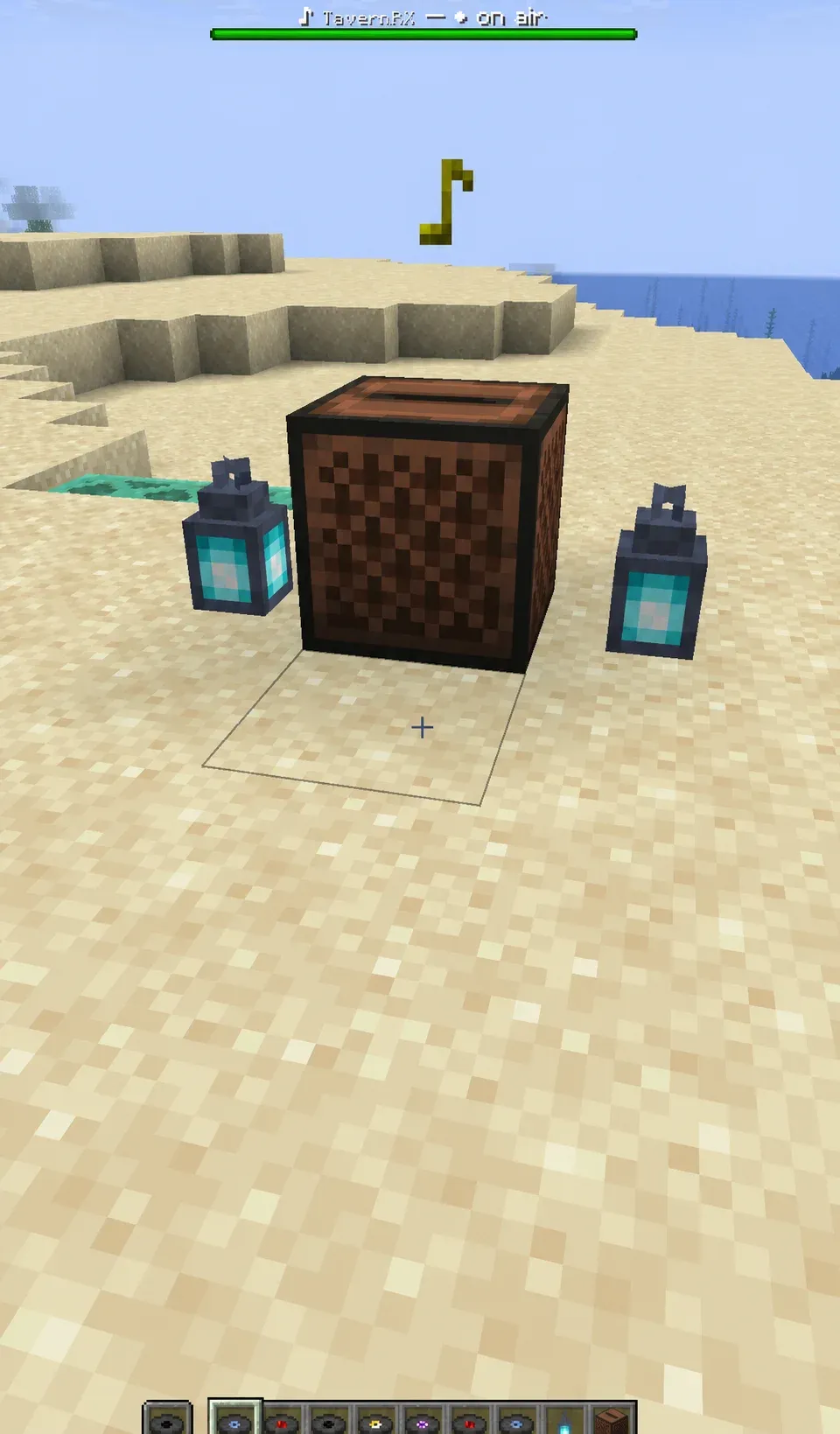
Create a disc, place it in a jukebox, and nearby players hear the audio through Simple Voice Chat. Players listen with the standard Simple Voice Chat client, so no other client mod is needed.
Audio sources
Each radio disc plays one source:
- HLS and internet radio: HLS playlists, SavePoint station streams, Icecast streams, HTTP audio, and compatible broadcast endpoints.
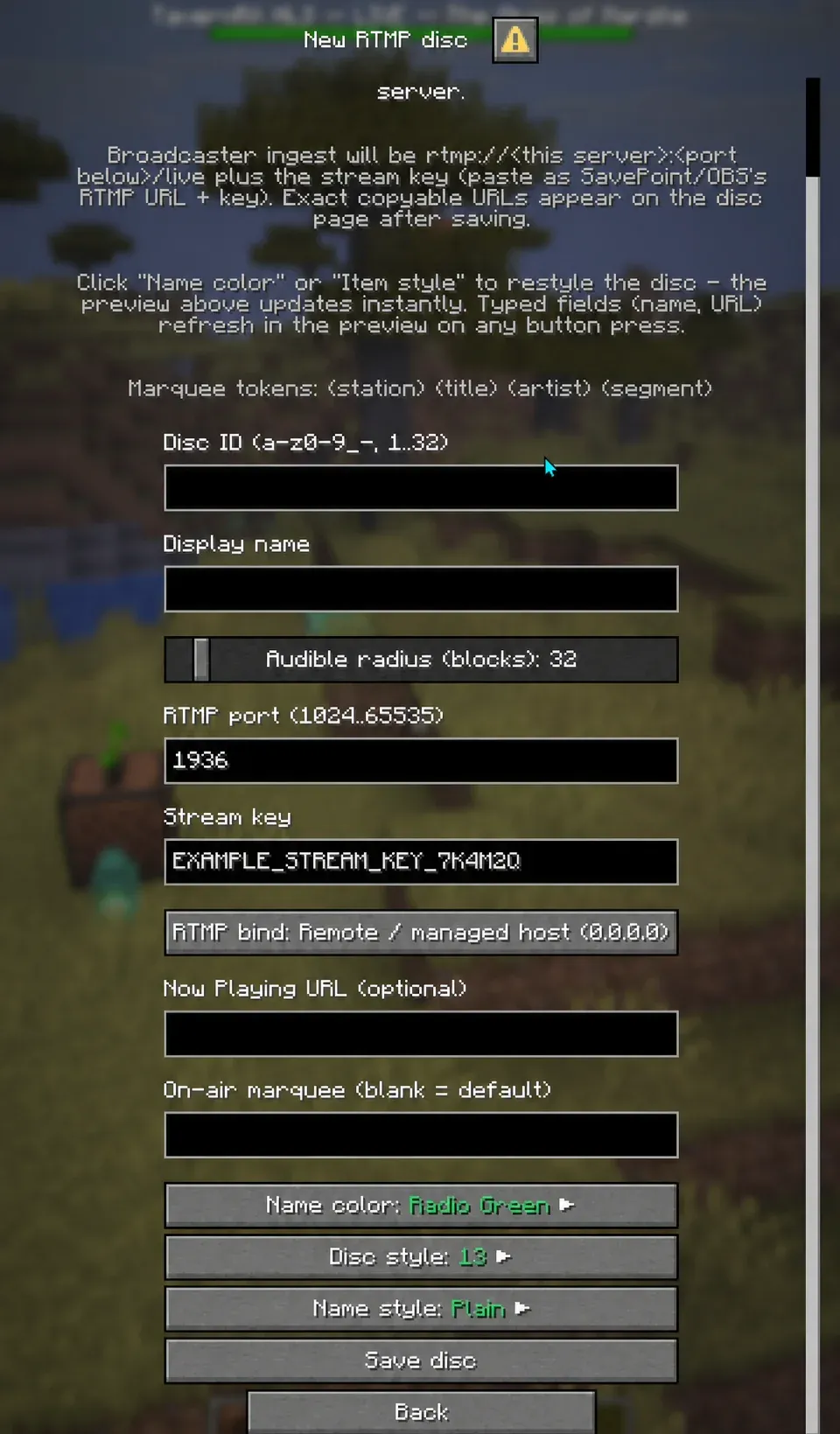
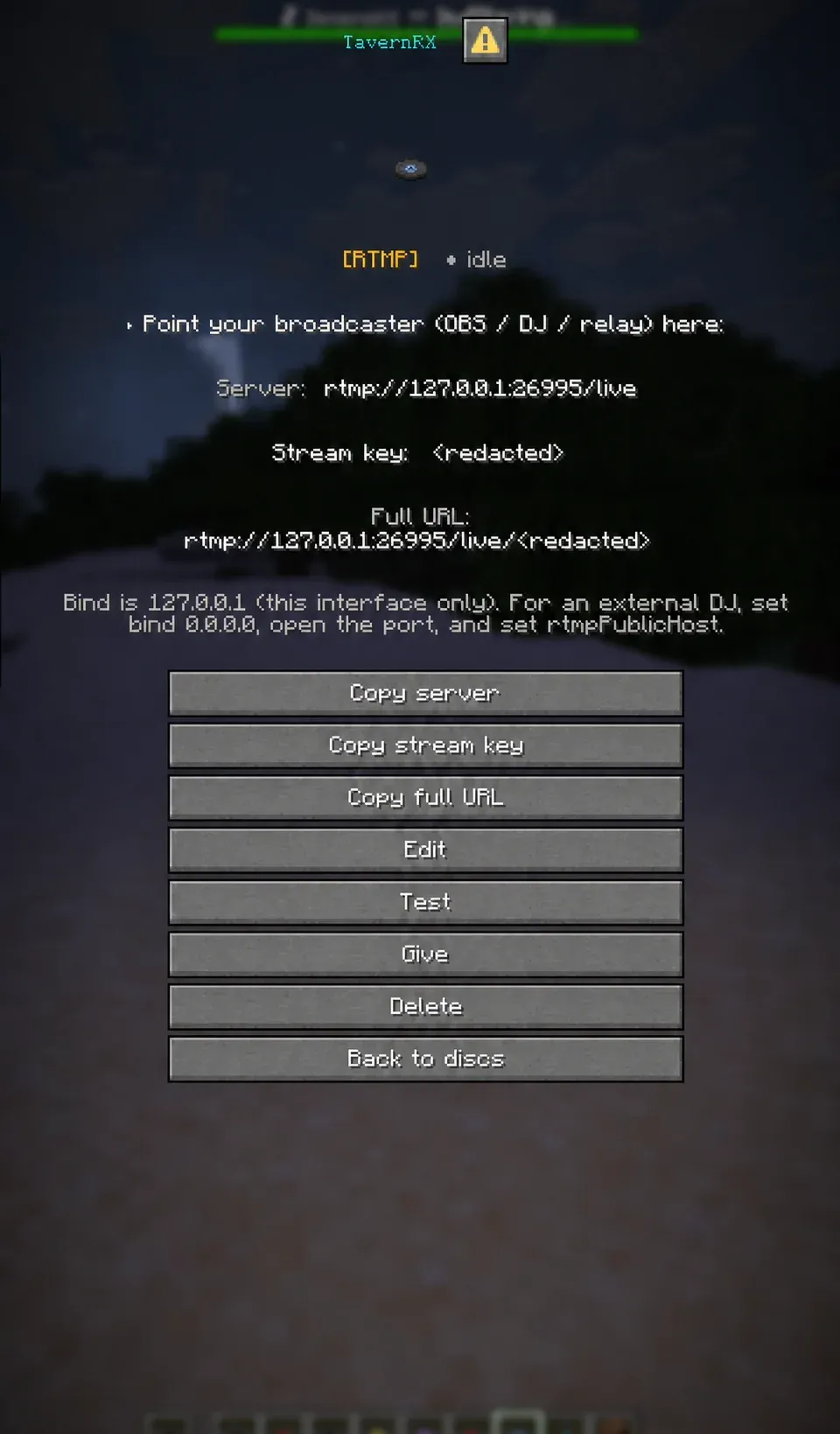
- RTMP receive: the Minecraft server becomes an RTMP ingest endpoint, so you can broadcast directly from OBS, SavePoint, or other broadcasting software or relays.
- Direct URLs and local audio: play a direct audio URL or loop a file kept on the server.
- SavePoint: connect a SavePoint station over HLS, or push a live SavePoint broadcast into Minecraft over RTMP. The Now Playing API shows the current track in the boss bar.
The /jockey disc manager
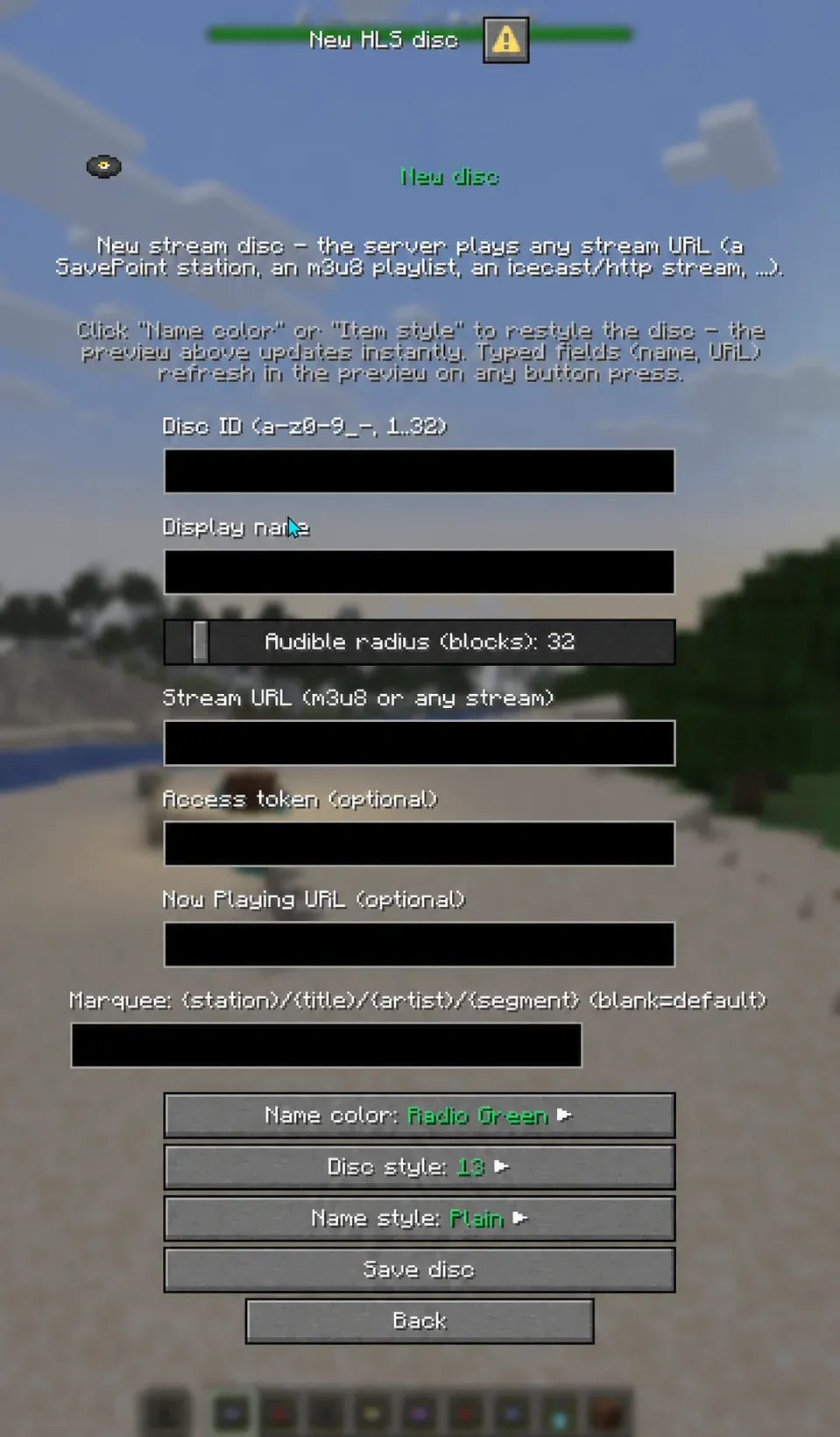
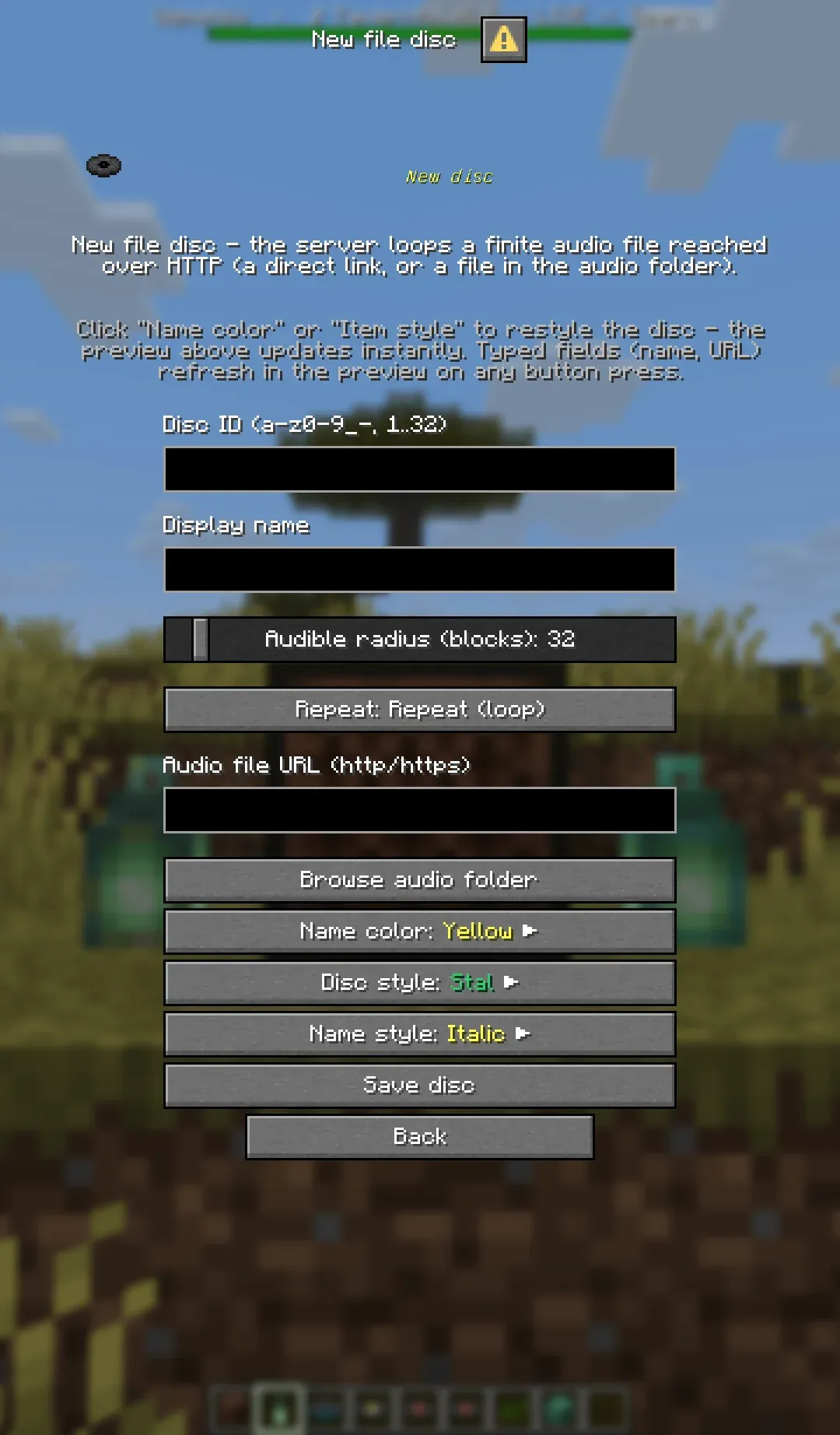
Operators run /jockey to open the server-side disc manager. From it they can:
- Create, edit, test, give, and delete radio discs
- Set an audible radius for each disc
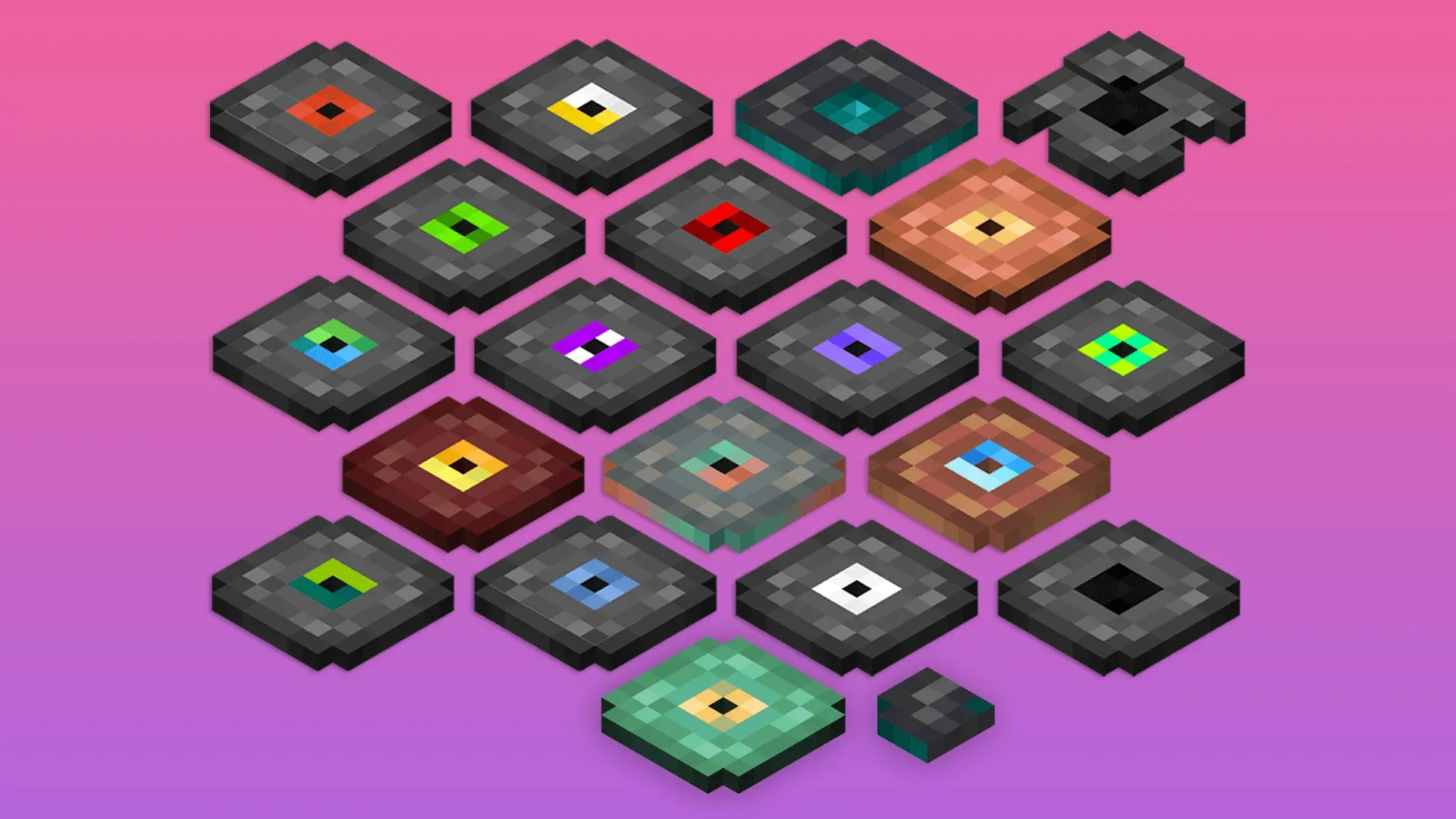
- Choose each disc’s appearance, display name, color, and text style
- Copy the RTMP server, stream key, and full ingest URL
- Configure now-playing metadata and marquee templates
- See live, idle, and buffering states
- Run several stations and jukeboxes at the same time
Radio discs remain ordinary Minecraft music-disc items. Inserting one starts its source, and ejecting it stops playback.
Requirements
On the server:
- Minecraft 26.2
- Fabric Loader 0.19.3 or newer
- Fabric API
- Simple Voice Chat 2.6.21 or newer
- Java 25
Players need the normal Simple Voice Chat client and its dependencies. If game sounds play in your headphones but the radio plays on your speakers, set Simple Voice Chat’s output device to your headphones.
Bundled media tools
The release jar bundles three tools: ffmpeg for decoding and RTMP ingest, yt-dlp for platform links, and deno, the JavaScript runtime yt-dlp needs for some of them. They extract into the server configuration directory on first use, so the mod runs on managed hosts that offer no shell access. Server operators can turn the bundled binaries off and provide their own executable paths instead. The release includes third-party notices and license texts.
Platform links
Platform links are off by default and stay off until a server operator sets enablePlatformLinks. Turning
it on is the operator’s statement that they have read each source platform’s terms of service and hold the
rights to rebroadcast what they play: Jockey Radio distributes no audio, grants no rebroadcasting rights,
offers no warranty for these sources, and is not affiliated with or endorsed by any platform.
Scaling
Jockey Radio has not yet been load-tested at large-server scale. Testing so far covers four to six simultaneous audio sources on the development host. Jukeboxes playing the same disc share one upstream feed, but each active jukebox still needs its own encoder and Simple Voice Chat channel. Increase usage gradually while watching server tick time, CPU, memory, and network traffic.
AI disclosure
Jockey Radio is developed by the GBTI Network, a team with over 20 years of combined experience in product and application development. We use modern AI coding tools (Claude Code, Codex, and OpenClaw) as assistants in our workflow. AI-generated code is present in the project.
License
Jockey Radio is a GBTI project distributed under an All Rights Reserved license. The source is published on GitHub.
From the author
GBTI NetworkJockey Radio puts live radio, RTMP broadcasts, and audio files on Minecraft music discs, and the players near the jukebox hear them through Simple Voice Chat. Releases are on GitHub while the Modrinth listing is in review, and the setup guides in the repository walk through the rest. If you run it on your server, the issue tracker is the place to tell us what works and what does not.
0 Comments
Comments are for members. Become a member to join the conversation, or if you already are.
You are signed in as a member. .