



Traveler’s Journal
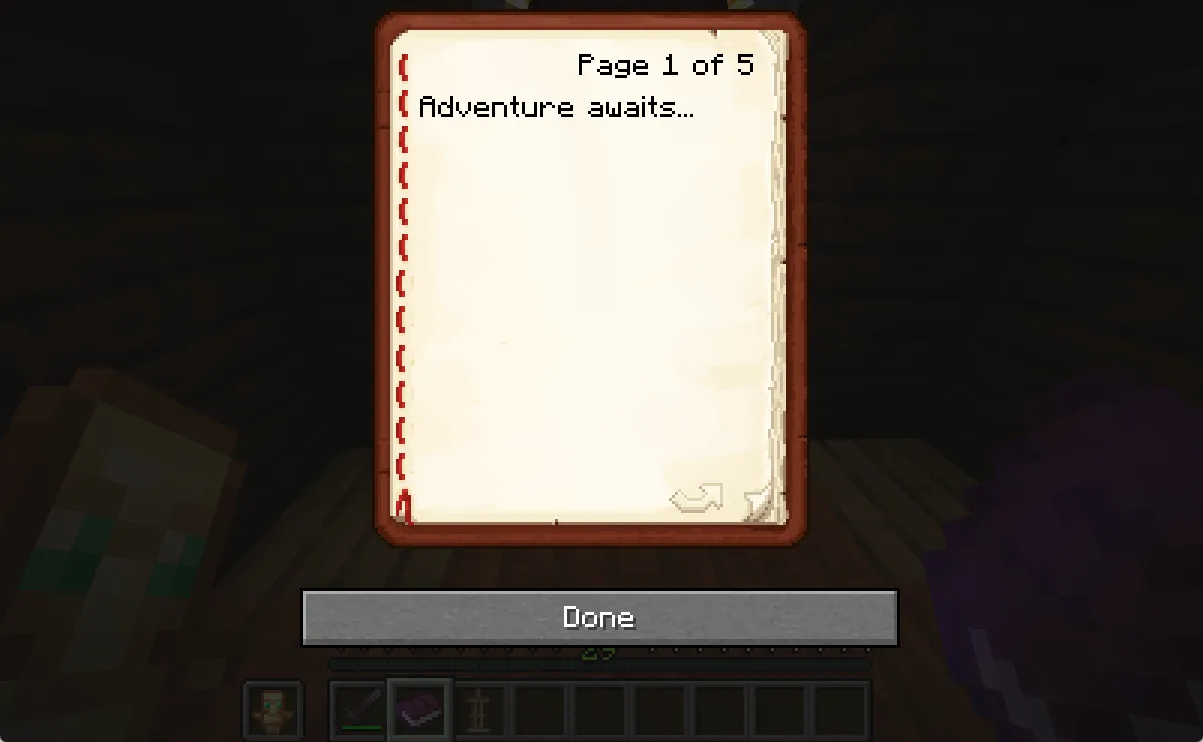
Traveler’s Journal is a Minecraft Fabric mod that provides server administrators with tools to create and distribute an in-game book whose contents are controlled through an markdown file.
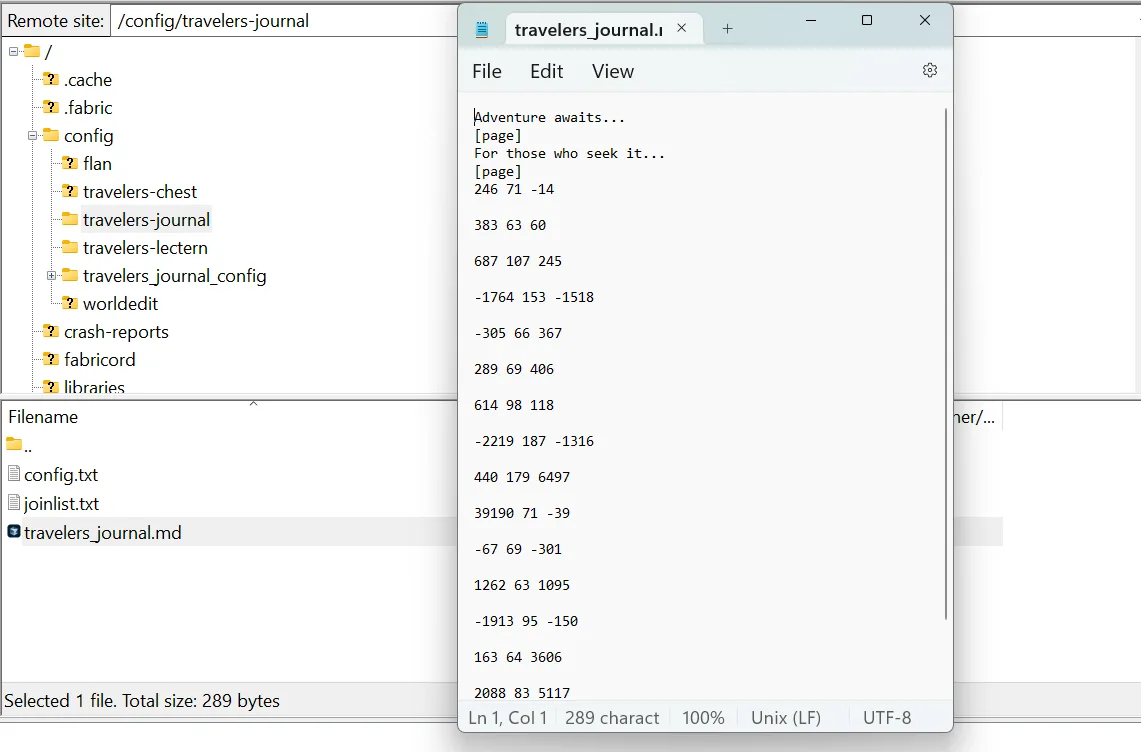
Any changes made to the markdown file will auto update across all held copies of the book.
Core Functions
- Server-side journal management for centralized control
- Automatic distribution system that gives new players a journal on first join
- Real-time content updates through simple markdown files
- Built-in preview system for testing formatting
- Supports rich text formatting including colors and lists
Technical Specifications
- Platform: Minecraft 1.21.1
- Framework: Fabric
- Dependencies: Fabric API
- License: GPL-3.0
Configuration Options
- Custom journal titles
- Markdown formatting support
- Color code implementation
- Page break controls
- Spawn distribution settings
Implementation
The mod operates through a server-side configuration system located in config/travelers-journal/. Administrators can modify journal content through standard text files using supported formatting syntax.
Preview System
Includes a browser-based preview tool for testing journal formatting before deployment. Located in config/travelers-journal/preview/.
Formatting Guide
The journal supports the following formatting options:
Text Styling
- Bold:
**text** - Italic:
*text* - Underline:
_text_
Lists
Unordered lists using dashes:
- First item
- Second item
- Third item
Colors
Use & or § followed by a color code:
&0or§0- Black&1or§1- Dark Blue&2or§2- Dark Green&3or§3- Dark Aqua&4or§4- Dark Red&5or§5- Dark Purple&6or§6- Gold&7or§7- Gray&8or§8- Dark Gray&9or§9- Blue&aor§a- Green&bor§b- Aqua&cor§c- Red&dor§d- Light Purple&eor§e- Yellow&for§f- White
Example: &cThis text will be red
Page Management
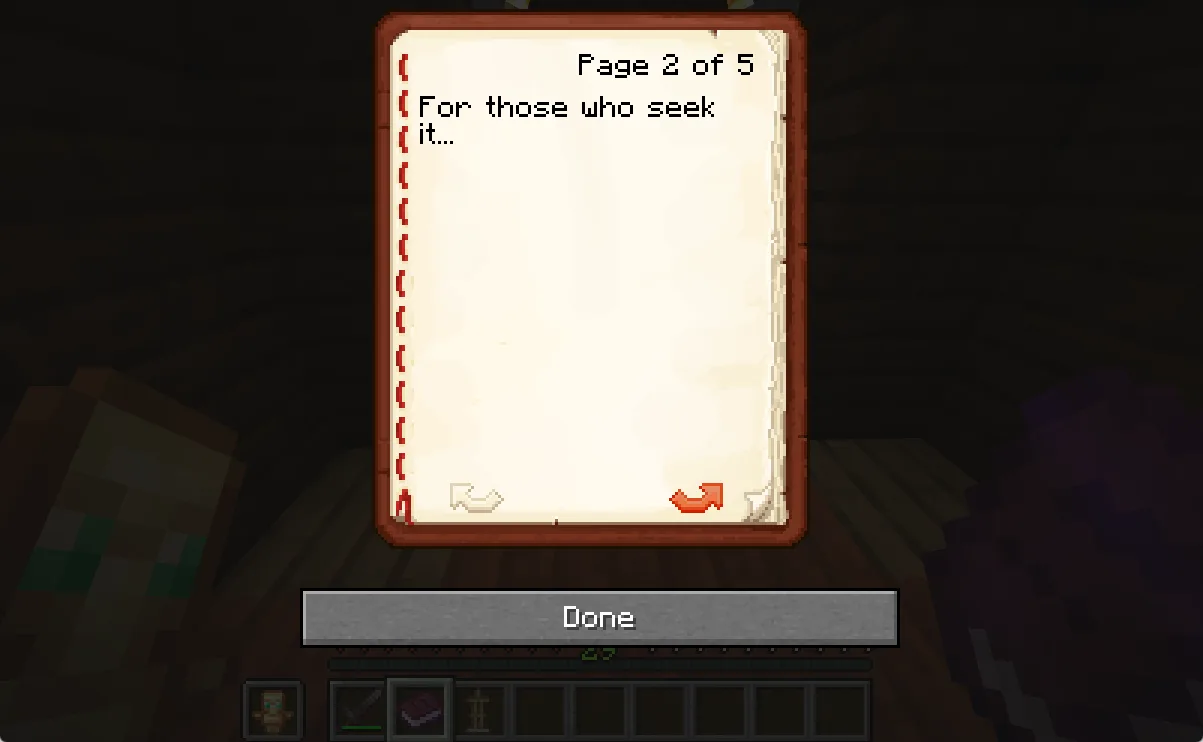
- Create a new page: Insert
[page]on a new line. Otherwise the book will automatically paginate.
To test formatting, use the provided preview system in the config/travelers-journal/preview/ folder. Or access it through our hosted Minecraft Book Preview Application
From the author
Hudson AtwellWe built Travelers Journal because server administrators asked for a simple way to communicate with players without leaving the game. This Minecraft Fabric mod lets you create a shareable in-game book that pulls its content from a markdown file you control. Update the file, and every copy updates instantly across your server. We designed it for communities that want to onboard new players, share rules, or keep everyone on the same page. Check it out if you run a Minecraft server.
0 Comments
Comments are for members. Become a member to join the conversation, or if you already are.
You are signed in as a member. .