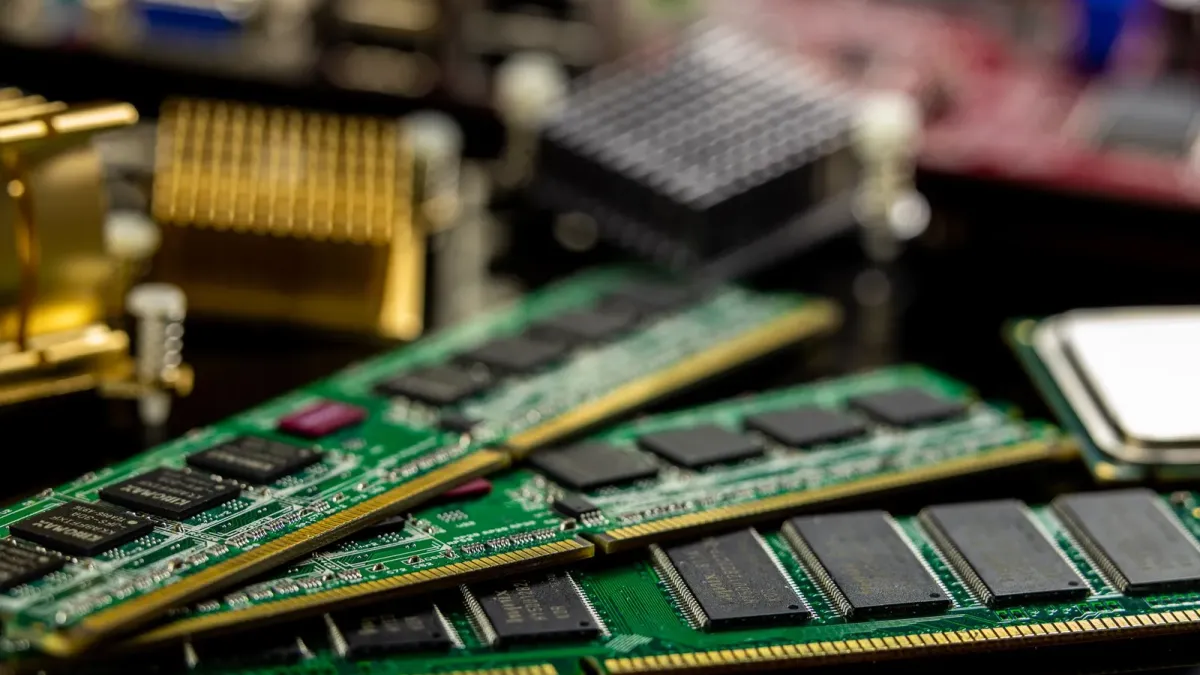
Most advice about running a large language model locally starts with the same gate: check your VRAM, then pick a model that fits inside it. A 70B model in half precision wants roughly 140GB, so the usual answer is to quantize it down, distill it, prune it, or accept a smaller model.
AirLLM takes a different position. It argues the gate is an artifact of how models are loaded, not a law of the hardware.1
The idea
A transformer runs one layer at a time. Layer 1 produces an output, that output feeds layer 2, and so on to the end. At the moment layer 40 is computing, layers 1 through 39 have already done their work and layers 41 onward have not started. Nothing requires all of them to be sitting in VRAM simultaneously. It is simply convenient, and until recently there was little reason to arrange things otherwise.
AirLLM shards the model to disk and loads each layer as its turn arrives, then releases it. Peak VRAM stops tracking the size of the model and starts tracking the size of its largest single layer. The project’s headline claim follows from that: 70B inference on a single 4GB card, with no quantization, distillation, or pruning involved.1
Two details do the practical work. Weights are read through memory-mapped files, so a layer does not need a full copy in system RAM on its way to the GPU. And a prefetch thread pulls layer N plus one from disk while the GPU is still working on layer N, which the project measured at roughly a ten percent improvement over loading strictly in sequence.2
For sparse mixture-of-experts models the same reasoning goes further. A token routes to a small number of experts, so AirLLM streams individual experts rather than whole layers. The project reports Kimi K3, at 2.8 trillion parameters, running in 3.72GB of VRAM measured end to end on a single RTX 6000 Ada.1
What it costs
This is where a careful reading matters, because the framing invites a misunderstanding.
AirLLM does not make a 70B model fast on a 4GB card. It makes a 70B model possible on a 4GB card. Every layer crosses the disk-to-GPU boundary on every forward pass, which as one write-up puts it converts a memory bottleneck into a disk bottleneck, feasible only because an NVMe drive reading at several gigabytes per second can keep the GPU fed at reduced throughput.3
The most useful framing we found comes from Umesh Malik, who points out that the floor is arithmetic rather than opinion. A 70B model in half precision is roughly 140GB, and every token has to pull all of it past the GPU, so the storage bandwidth alone sets a minimum: about 20 seconds per token on a 7GB/s Gen4 NVMe, about 40 on Gen3, and around 255 seconds on a SATA SSD. Those are pure transfer floors that assume zero compute and zero overhead. Quantizing to 4-bit cuts the bytes per token to roughly 35GB and the Gen4 floor to about 5 seconds.4
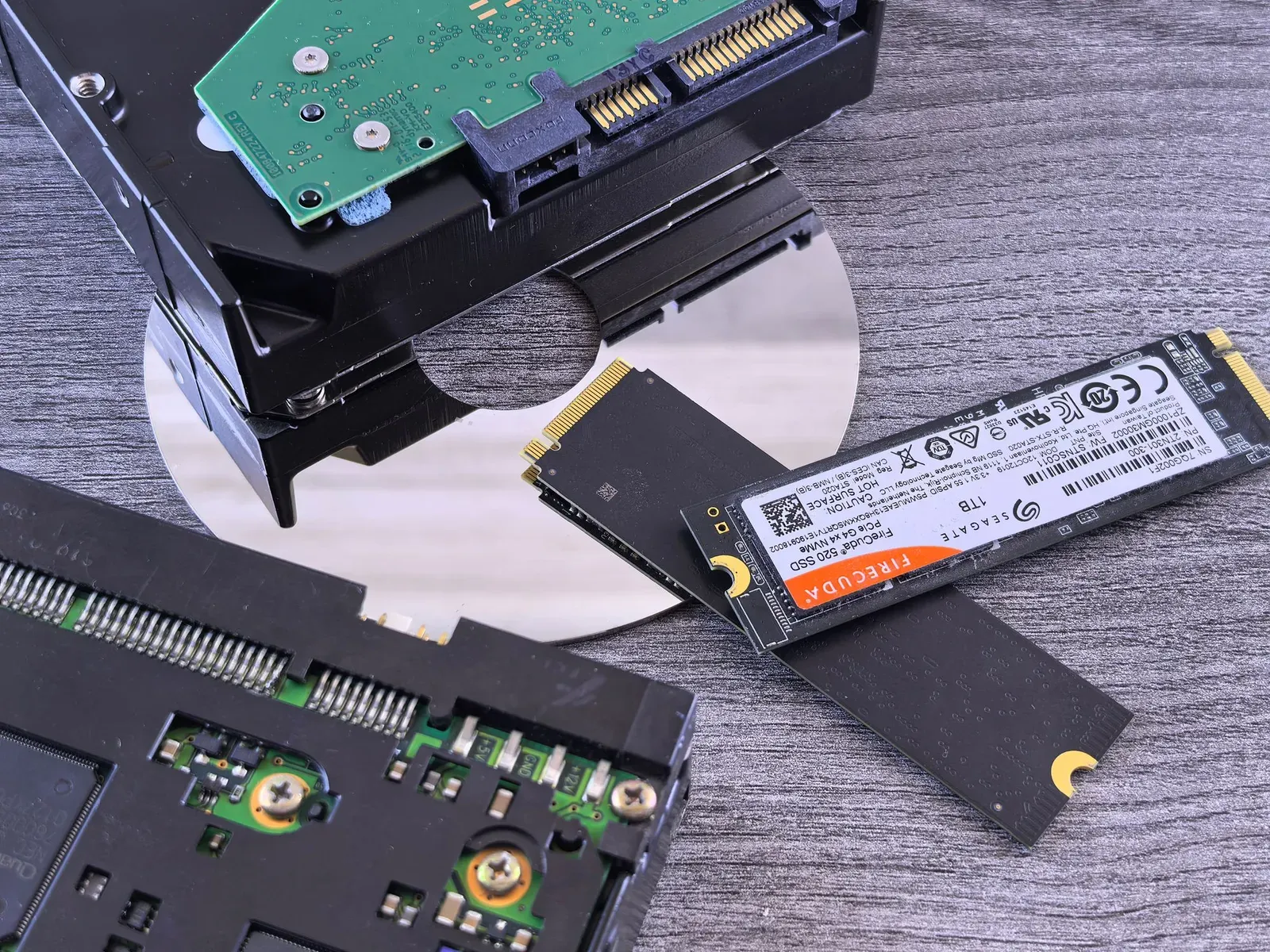
Reported speeds from people who ran it vary enough that the spread is itself the finding, which is a good reason to read several accounts rather than one:
| Source | Reported speed |
|---|---|
| Dashen Tech | typically 1 to 3 tokens per second5 |
| explainx.ai | 0.5 to 2 tokens per second, against 10 to 20 for a resident-in-memory setup6 |
| Nerd Level Tech | about 0.7 tokens per second for Llama 2 70B on NVMe with a dedicated GPU, and about 0.07 on an M2 MacBook Pro, roughly 50 tokens in 12 minutes7 |
| Community reports cited by Umesh Malik | as low as 0.003 tokens per second, at which rate a 108,000-token output would take 416 days4 |
Abrarqasim frames the comparison bluntly: a response that a 4-bit quantized 70B under llama.cpp returns in 20 to 90 seconds can take 5 to 20 minutes through AirLLM, putting it somewhere between 50 and 200 times slower than either a paid API or a quantized local model.8 Nerd Level Tech reaches the same conclusion from the other direction, calling it a genuine accessibility achievement but not a replacement for production inference tools like llama.cpp or vLLM.7
Those are the terms the project is offering, and they suit a batch job or an overnight evaluation, where the work can run unattended and the wait costs nothing. They suit anything interactive very poorly.
One cost that is easy to miss, and that we have not seen the project address: Abrarqasim notes that streaming an entire model off the drive for every token puts serious mileage on consumer SSDs, which are typically rated somewhere between 600 and 1200 terabytes written. Sustained use draws down a measurable share of that budget.8 If you plan to leave a job running for days, that is worth thinking about before you start.
The project does offer a speed lever: optional block-wise quantization compression, which it reports at up to three times faster inference with what it describes as almost ignorable accuracy loss.9 Note that turning it on means the run is quantized, which trades away the specific thing that makes the unquantized claim interesting. Dashen Tech adds a fair counterpoint here: because the bottleneck is disk throughput rather than compute, only the weights need compressing, which is an easier thing to do without hurting accuracy than quantizing an entire inference path.5
Where it stands
AirLLM is Apache-2.0 licensed and has been in development since June 2023. At the time of writing it carries about 29,800 stars and 3,100 forks, with commits landing this month.10 It has had its rounds of attention on Hacker News, and enough independent write-ups now exist that a reader can triangulate the claims rather than take the README at its word.1112
Installation is a pip package, and the entry point is deliberately unremarkable:
from airllm import AutoModel

model = AutoModel.from_pretrained("Qwen/Qwen3-32B")
The same single line reportedly scales up, with the project citing Qwen3-235B at around 3GB and DeepSeek-V3 at 671B in around 12GB.1 Version 3.0, released in June 2026, added FP8 support alongside Qwen3, Llama 3.x and 4, DeepSeek V2 and V3, Phi-4 and Gemma. Earlier releases added macOS support and CPU inference.2
Newer support can carry sharp edges. The Kimi K3 path, for example, requires compressed-tensors and flash-attn, a CUDA 12 build of torch because no prebuilt flash-attention wheel exists for CUDA 13 yet, and transformers 4.56.x because the model’s remote code does not load on 5.x.2 That is worth knowing before setting aside an evening for it.
Why it is worth a look
The interesting part is not the specific numbers, which will move. It is the reframing.
Treating VRAM as a hard ceiling makes hardware the thing that decides which models you are allowed to run at all. Treating it as a working buffer makes hardware decide how long you wait. The second framing is the friendlier one for anyone learning, evaluating, or building on a machine they already own, and it is a useful reminder that some constraints are conventions that nobody has yet had a reason to question.
We have not run it, and we would like to hear from people who have
To be plain about it: nobody at GBTI Network has used AirLLM. Everything above comes from the project’s own documentation and from third-party write-ups, cited as such, and none of the performance figures have been reproduced here. Treat this as a pointer to something worth investigating, not as a review.
That gap is exactly where the network is useful. If you have run AirLLM, we would like to hear the specifics that documentation never captures: what card and what storage, which model, what token rate you actually saw, whether the compression option was worth enabling, and what broke on the way. A report that it did not work is as useful as one that it did.
Leave a comment on this article, or bring it to Discord if it turns into a longer conversation. If enough measurements come in, we will write them up as a follow-up and credit the members who supplied them.
Photographs by Sergei Starostin13 and Andrey Matveev14, both on Pexels.
Footnotes
-
AirLLM project README, accessed August 7, 2026: lyogavin/airllm ↩ ↩2 ↩3 ↩4
-
AirLLM release notes in the project README (v2.5 prefetching, v2.8.2 macOS, v2.10.1 CPU inference, v3.0 FP8, and the July 2026 Kimi K3 entry), accessed August 7, 2026. ↩ ↩2 ↩3
-
Starlog, “Running 70B LLMs on a 4GB GPU: How AirLLM Trades Speed for Accessibility,” accessed August 7, 2026: starlog.is ↩
-
Umesh Malik, “Run 70B LLM on 4GB GPU: AirLLM’s Real Tradeoff,” accessed August 7, 2026. The per-storage-tier floors and the 416-day figure are his: umesh-malik.com ↩ ↩2
-
Dashen Tech, “The Complete AirLLM Guide: Run 70B LLMs on a 4GB GPU,” accessed August 7, 2026: dashen-tech.com ↩ ↩2
-
explainx.ai, “AirLLM: Run 70B LLM on 4GB GPU, No Quantization,” accessed August 7, 2026: explainx.ai ↩
-
Nerd Level Tech, “AirLLM Tested: Run a 70B LLM on a 4GB GPU, Does It Work?,” accessed August 7, 2026: nerdleveltech.com ↩ ↩2
-
Abrarqasim, “AirLLM Review: The Truth Behind Running 70B LLMs Locally,” accessed August 7, 2026. The 50x to 200x comparison and the SSD endurance point are his: abrarqasim.com ↩ ↩2
-
AirLLM README, “Model Compression - 3x Inference Speed Up,” which cites block-wise quantization research at arXiv:2212.09720 ↩
-
GitHub repository metadata for lyogavin/airllm, read August 7, 2026: Apache-2.0, created June 12, 2023, most recent push August 6, 2026. ↩
-
Hacker News discussion, “AirLLM 70B inference with single 4GB GPU”: news.ycombinator.com ↩
-
Bright Coding, “AirLLM: Run 70B Models on 4GB GPUs Without Compromise,” February 27, 2026: blog.brightcoding.dev ↩
-
Memory modules photograph by Sergei Starostin on Pexels, used under the Pexels License: pexels.com/photo/6636474 ↩
-
Storage media photograph by Andrey Matveev on Pexels, used under the Pexels License: pexels.com/photo/35147150 ↩















From the author
GBTI NetworkWe assembled this breakdown to help us learn more about the AirLLM transformer and how it might affect our decisions when building local agentic systems.
0 Comments
Comments are for members. Become a member to join the conversation, or if you already are.
You are signed in as a member. .